~/guide/chapters/02-hardware $ cat README.md
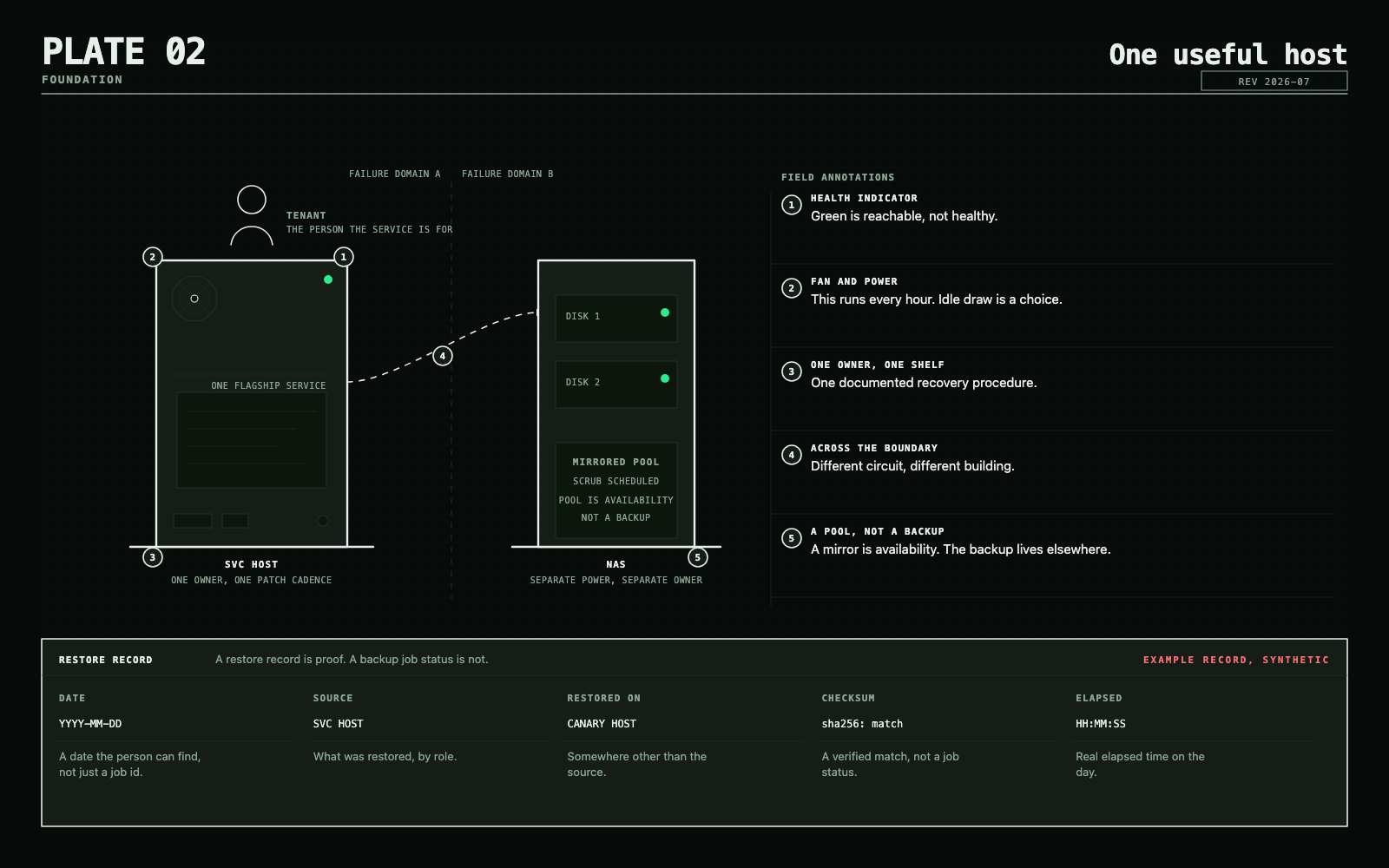
Choose hardware by role
Buy for workloads, interfaces, memory, and failure domains. Model numbers age quickly; requirements age slowly.
Capability tiers
| Tier | Durable target | Good for |
|---|---|---|
| Learn | Existing PC, Pi, or low-power mini PC; 4+ threads, 16 GB RAM, SSD, wired Ethernet | Linux, DNS, automation, a small Compose stack |
| Useful core | Modern x86 mini PC or used SFF system; 6–12 threads, 32–64 GB RAM, 1–2 TB NVMe | Several services, a Docker VM, light virtualization |
| Expandable | Tower/workstation; 8–16 cores, 64–128 GB RAM, mirrored application storage, PCIe room | Storage separation, multiple VMs, media acceleration, lab networks |
| Resilient | Three similar compute nodes plus an independent backup target | Maintenance without downtime, quorum-based clustering, failover practice |
Three tiny nodes are not automatically better than one maintainable server. Clustering adds quorum, networking, storage, patching, and failure-testing work.
Hardware that changes the answer
- Memory: usually the first virtualization limit. Prefer replaceable memory when future growth matters.
- Storage interfaces: count the SATA, NVMe, HBA, and PCIe paths before buying disks. USB is convenient, but fragile connectors are a poor foundation for a permanent array.
- Network interfaces: 1 GbE is enough for many homes. Add 2.5 or 10 GbE after measuring a storage or migration bottleneck.
- Media engines: hardware encode/decode support can matter more than raw CPU speed for Jellyfin or Plex.
- Out-of-band management: useful on remote or headless systems, but not a reason to tolerate excessive noise and idle draw.
- ECC memory: valuable when uptime, large storage, or data integrity justify the platform cost. It does not replace checksums or backups.
Storage hardware
Match redundancy to the failure you can tolerate. Mirrors rebuild simply and perform well. RAID-Z improves capacity efficiency but changes expansion and rebuild tradeoffs. Keep a replacement plan for disks and controllers.
Do not place the only backup inside the same chassis, pool, account, or power domain as the source.
Local AI hardware
Choose by usable accelerator memory, software compatibility, power, and cooling. Marketing TOPS are not a sizing method.
| Accelerator memory | Practical expectation |
|---|---|
| 16 GB | Entry experimentation, smaller quantized models, limited context |
| 24–32 GB | Strong enthusiast tier for larger models and useful agent workloads |
| 48+ GB | Larger resident models, larger key-value caches, or multiple loaded models |
Weights, quantization, key-value cache, and context all consume memory. Do not promise that a parameter count will fit from VRAM alone. NVIDIA/CUDA remains the broad compatibility default. Apple Silicon is a quiet unified-memory option. AMD and Intel accelerators can be excellent after verifying the exact runtime. Capacity alone does not guarantee interactive throughput: compute, memory bandwidth, runtime, model architecture, batching, and context all matter.
Keep a bursty GPU workload away from DNS, identity, and storage control planes when possible. Heat, drivers, and experiments should not take the house offline.
Primary references
Next: Choose the platform.
Leave with
A role-based hardware plan and an idle-power budget.
Done when: A purchase buys a named capability.